Your family may be spread across cities—or time zones—but you can still have a frame-worthy portrait. TogetherLens lets you merge up to five faces into one natural-looking photo with just a few taps.
Below you’ll find a detailed recipe for lighting, posing, color coordination, and quick regeneration loops that stay within what the app provides today: vibe presets (no wardrobe generation), up to five faces, and high-quality downloads you can print or share.
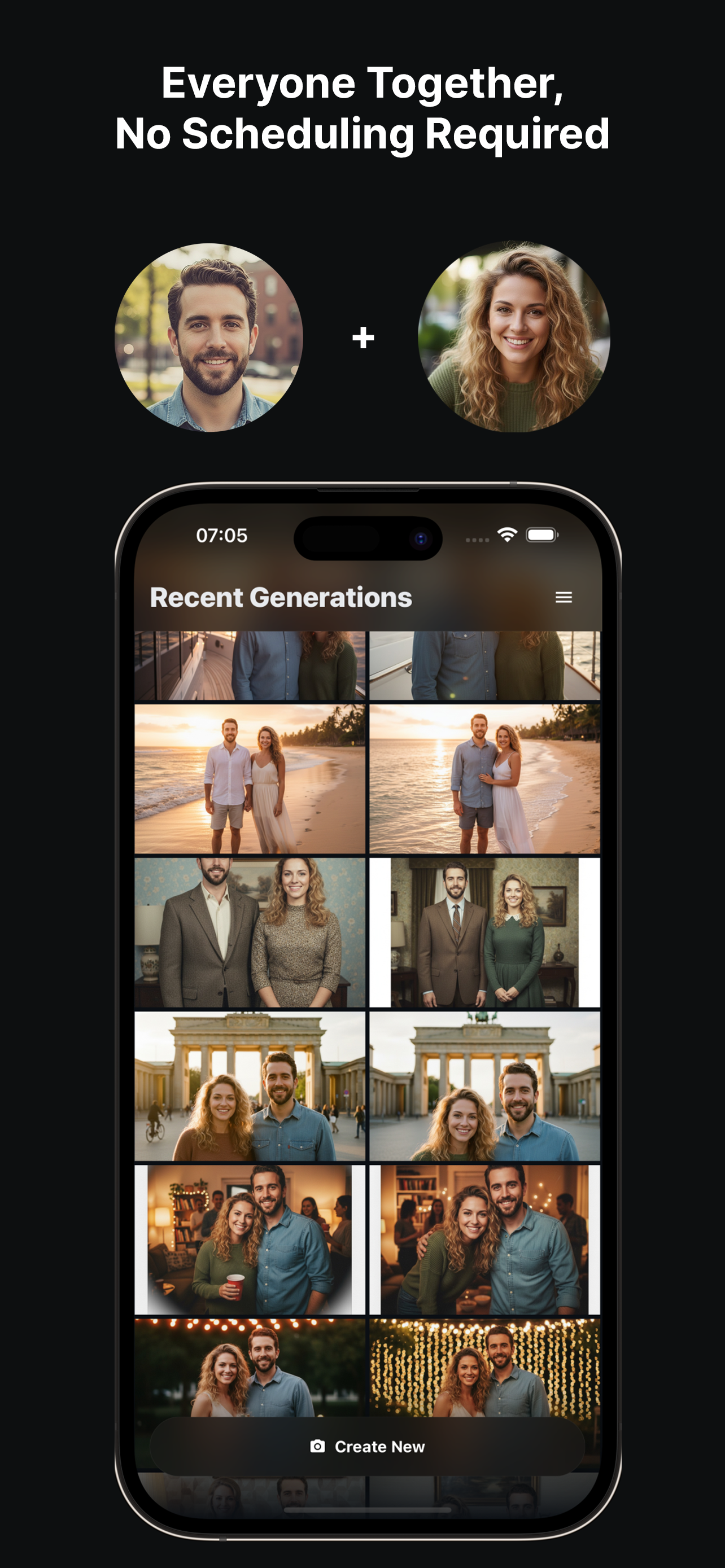
Step-by-Step: Build the Family Portrait
- Upload clear selfies. Front-facing, even lighting, no sunglasses. Include shoulders for better outfit blending.
- Select a vibe. Choose Cozy Living Room, Front Porch, or Studio to set lighting and mood.
- Arrange the group. Keep the tallest in the back, vary head tilts slightly, and leave space between shoulders.
- Generate a set. Make several variants, pick a favorite, then regenerate small pose tweaks if needed.
- Save and share. Download a high-quality version for printing and a lighter one for messaging apps.
Posing and Styling Tips
- Coordinate tops in two or three complementary colors to avoid clashes.
- Keep hair visible—hats and large hoods reduce realism.
- Add one seated pose to vary heights and keep faces visible.
- Ask the tallest person to step slightly back; keep kids toward the center to avoid edge distortion.
If Something Looks Off
- Expressions feel stiff: Regenerate and request subtle smile or neutral.
- Skin tones vary: Choose a neutral or warm preset; avoid colored LED source photos.
- Hands look odd: Pick a pose with fewer visible hands (arms around shoulders rather than foreground hands).
FAQ
How many people can I add?
TogetherLens works best with up to 5 faces in one generation for realistic lighting and spacing.
What source photos give the best results?
Use bright, front-facing selfies without heavy filters. Keep shoulders visible and avoid sunglasses.
Can I match outfits or colors?
Yes. Pick a vibe (living room, porch, studio) and choose neutral outfits so the scene feels cohesive.
Create your family portrait with TogetherLens
Install free on iOS & Android.
- Photorealistic AI results
- Multiple styles and poses
- Private and secure