Missed the same city date night? TogetherLens can merge two separate selfies into a natural, close-knit couple shot. It takes minutes and needs only good lighting and a vibe that matches your mood.
Stick to what the app does best: up to five faces (perfect for two), fast generations, vibe presets that set lighting, and high-quality downloads. No wardrobe generation—focus on good source selfies and smart preset choices.
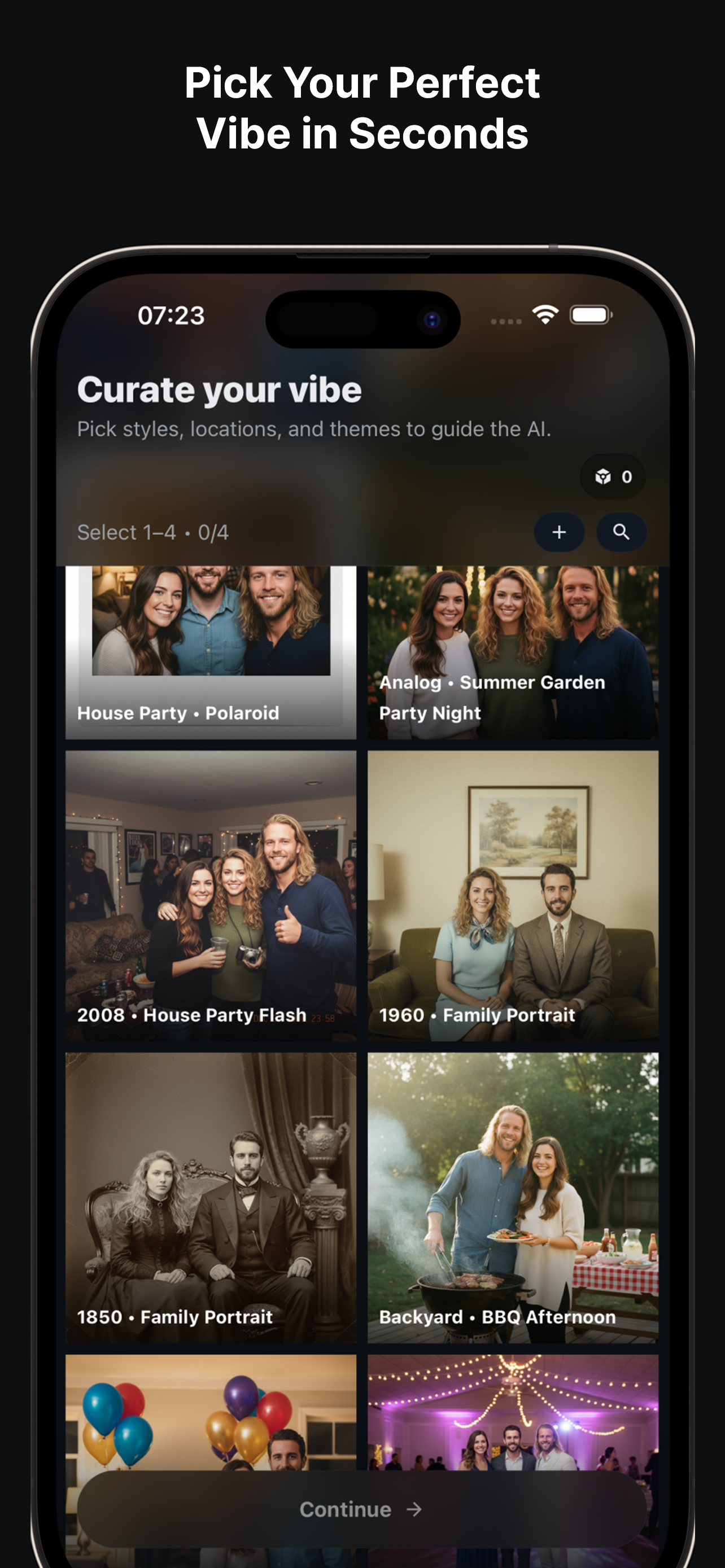
Quick Workflow
- Upload two clear selfies. Even daylight works best; avoid heavy filters.
- Pick the vibe. Select Rooftop Sunset or Cozy Café to set warmth and depth.
- Adjust spacing. Keep shoulders touching or slightly overlapping for a natural look.
- Generate variants. Save two or three favorites; regenerate one with a softer smile if needed.
- Export. Grab a social-friendly download plus one high-quality copy for prints or postcards.
Posing Ideas
- Angle heads slightly toward each other to convey connection.
- Use hand placements (shoulder or arm) to avoid “floating” poses.
- Neutral colors keep focus on faces; add one accent item like a scarf or jacket.
- Try a seated pose for variety; keep shoulders overlapping for closeness.
Troubleshooting
- Glare on glasses: Re-shoot in shade or indoors near a window.
- Uneven height: Slightly tilt the shorter person’s head toward camera; regenerate once.
- Background too busy: Switch to Studio or Cozy Café for a simpler backdrop.
FAQ
How many faces can I add?
TogetherLens supports up to 5 faces per generation; couples work especially well with balanced lighting.
Which vibes fit couples?
Try Sunset Rooftop, Cozy Café, or Studio Portrait for flattering light and close framing.
Can I reuse poses?
Yes. Save your favorite result as a reference and regenerate with slight variations in expression or angle.
Make your long-distance photo now
Install free on iOS & Android.
- Photorealistic AI results
- Multiple styles and poses
- Private and secure