AI photos are exciting, but they should be handled with care. Here are simple steps to keep your group, couple, or team photos private and respectful.
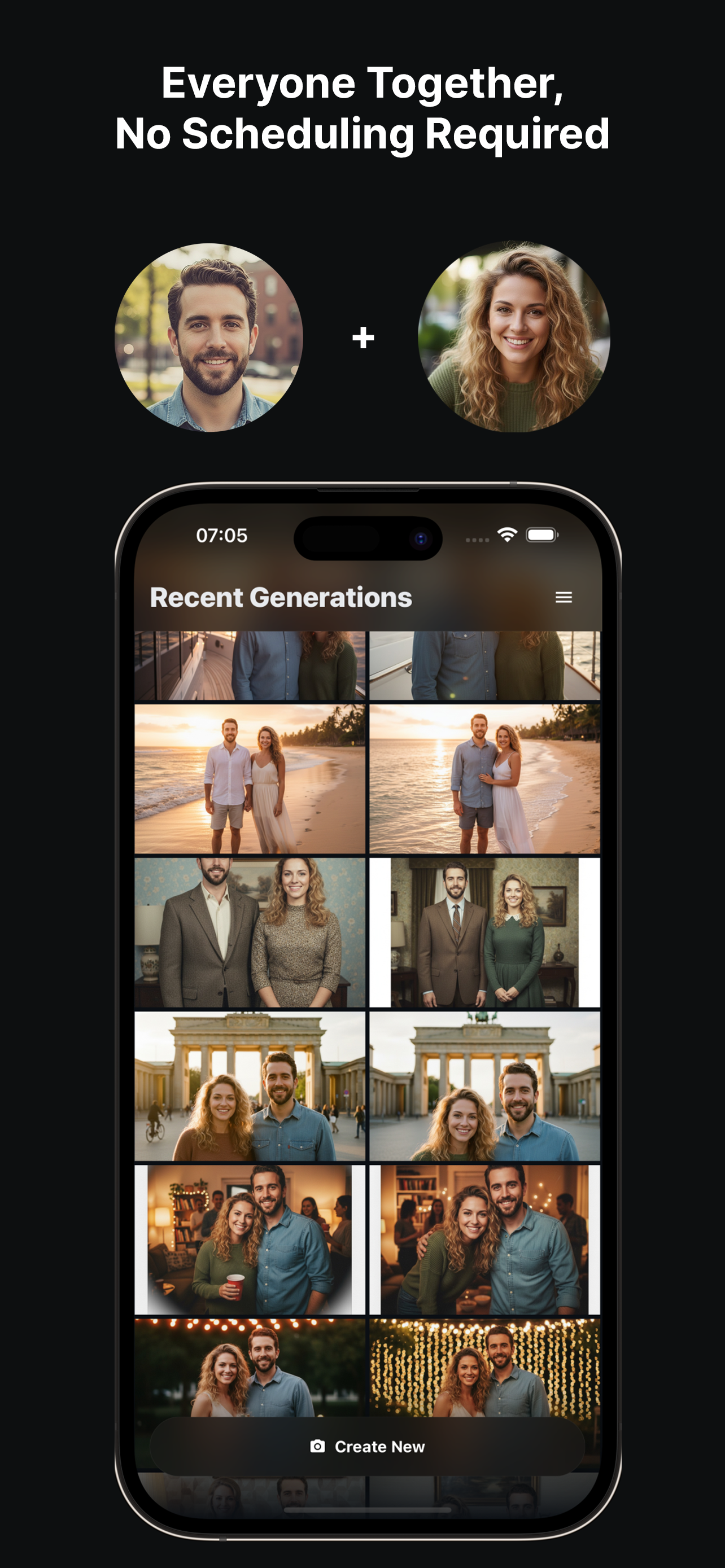
TogetherLens processes up to five faces per generation and stores outputs for a limited window so you can download them. Use this guide to stay transparent with friends, family, and teammates, and to share responsibly.
Consent First
- Upload only faces you have permission to use.
- Share drafts privately before posting publicly.
- Remove and regenerate if anyone is uncomfortable.
Data Handling Basics
- Download your favorite results promptly.
- Delete local files you no longer need.
- Use secure devices when handling sensitive family or team photos.
- Keep backups in private folders, not public shares.
FAQ
How long are my photos stored?
TogetherLens stores generated photos for a limited window so you can download and share them, then removes them.
Who owns the outputs?
You do—use them for personal or team sharing. Always get consent from the people you include.
How can I share safely?
Use private links or direct messages for sensitive images, and avoid posting if someone hasn’t agreed to be included.
Create responsibly with TogetherLens
Install free on iOS & Android.
- Photorealistic AI results
- Multiple styles and poses
- Private and secure