Choosing the right vibe is half the battle. TogetherLens presets handle lighting, background, and color balance so your up-to-5-person group photo looks like you were all in the same place.
Use this comparison guide to match a preset to your moment—office updates, rooftop hangouts, wedding formals, or holiday cards—while keeping expectations grounded in what the app offers now: vibe selection, up to five faces, fast generations, and high-quality saves.
Updated for 2026: begin with a scene that is visibly available in the current app, then use this guide to choose the lighting, formality, and crop that suit the people and occasion. Keep the original source portraits so you can compare a warmer and a more neutral result before sharing one.
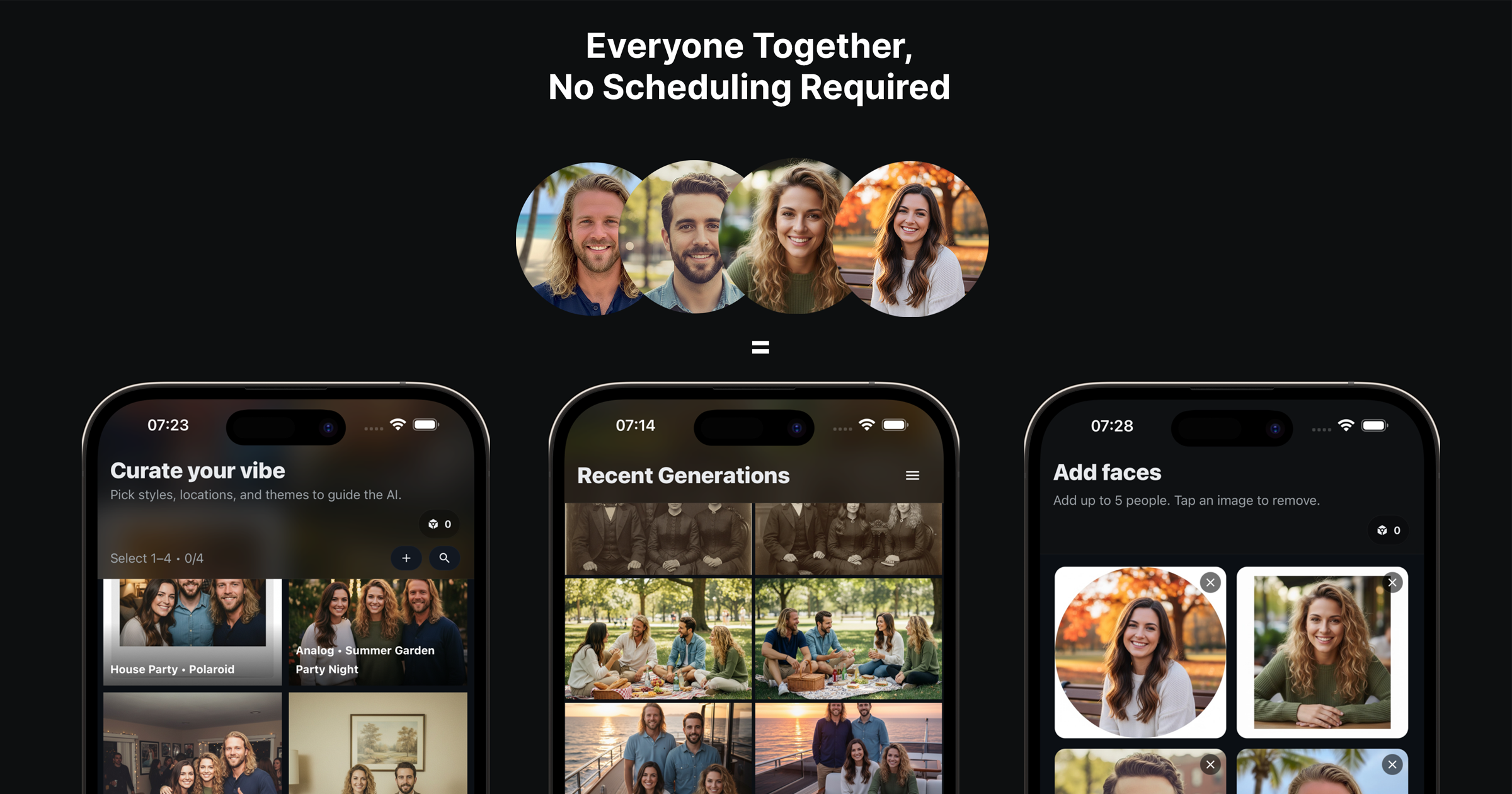
Top Presets and When to Use Them
- Modern Office: Perfect for startup teams, LinkedIn banners, and investor updates.
- Rooftop Sunset: Great for casual friends or couple shots with warm, cinematic light.
- Studio Portrait: Clean backgrounds for formal groups or wedding party layouts.
- Cozy Living Room: Family portraits, holiday cards, and relaxed poses.
Decision Guide
- Formality? Formal → Studio; Smart casual → Modern Office; Casual → Rooftop or Living Room.
- Backdrop? Need text overlay? Pick Studio or Modern Office with negative space.
- Light? Golden, flattering light → Rooftop; Neutral, skin-safe light → Studio/Office.
How to Pick Quickly
- Match the preset to your outfit formality (formal, smart casual, relaxed).
- Choose warmer vibes for personal photos and neutral/cool for professional shots.
- Keep outfits to 2–3 colors so the preset lighting stays believable.
Testing in Two Generations
- Generate one warm (Rooftop) and one neutral (Studio) version.
- Compare skin tones and background simplicity; pick the cleaner one.
- Regenerate the winner with small pose tweaks for natural expressions.
Put a style to work: Start with the friends group photo recipe or learn how to combine separate portraits.
Try a new vibe in TogetherLens
Free to install. Premium includes full-quality results and more scenes.
- Photorealistic AI results
- Multiple styles and poses
- Consent-first photo guidance