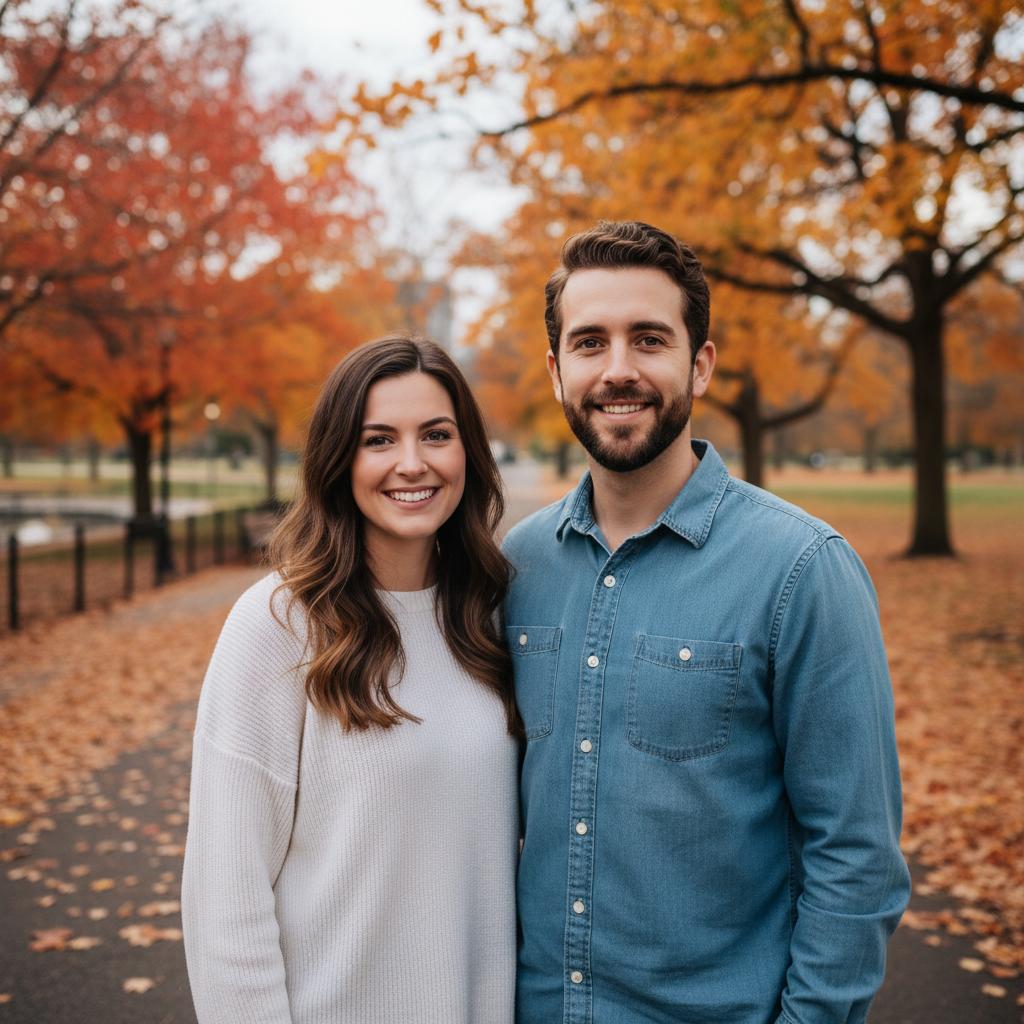
A practical guide for “ai memorial photo app from separate photos”
The five-minute answer
How to use an AI memorial photo app from separate photos
- Agree on the tribute.Ask close family members first and choose the people who have given permission for their portraits to be used.
- Choose respectful source photos.Use a clear portrait of the person remembered and one clear portrait for each living family member who should appear.
- Generate, review, and label.Create the new composition, check faces, hands, clothing, and tone, then identify it as an AI-generated tribute before sharing.
Should this replace a historical photograph? No. TogetherLens creates a new memorial composition from separate portraits; keep the original photograph unchanged and preserve its provenance.
TogetherLens is free to install. Photo generation uses paid tokens; Premium is optional and auto-renewing. Check current local prices, included tokens and renewal or cancellation terms in the app before buying.
To create the tribute, add one clear portrait of the person remembered and one portrait for each living family member who should appear. TogetherLens composes a new group image rather than altering an existing historical photograph or pasting a face over another body.
Speak with close relatives before generating or sharing an image of someone who has died. Grief is personal; what comforts one family member may feel unsettling to another.
Choose a calm, timeless scene and a source image that reflects how the person is remembered. Clearly describe the result as an AI-generated tribute so it is never confused with a real historical photograph.
Three scenes that fit this idea
Quiet garden
Soft greenery and even light keep attention on expression and connection.
Family porch
A familiar domestic setting can feel grounded rather than theatrical.
Simple studio
A neutral background avoids inventing a specific event or memory.
Choose source photos the model can read
TogetherLens creates a new composition from the people you provide. It does not need matching backgrounds, but it does need clear facial information. Start with the original file when possible rather than a screenshot downloaded from a social network or messaging app.
- Use the clearest available portrait of the person remembered.
- Agree on age, clothing, and tone before generating.
- Save source provenance with the finished tribute.
- Keep each face fully visible and ask every living person for permission.
Generate in three deliberate steps
- Add the selected portraits.Check the group limit in your current app version. Use one clear, permissioned portrait per person and review every crop.
- Choose one or two vibes.Pick a scene that supports the story instead of competing with the faces.
- Inspect the result.Check eyes, teeth, hands, clothing, jewelry, and meaningful background details before sharing or printing.
Free to install. Photo generation uses paid tokens; Premium is optional. Check current prices and renewal terms in the app before buying.
What to avoid
- Surprising close family members
- Dramatic fantasy scenes unless explicitly wanted
- Removing the AI-generated disclosure
Generated photos are creative images, not documentary evidence. Disclose that the result is AI-generated when context matters, and never use someone’s face to impersonate, embarrass, or mislead.
Questions about this portrait
How can I create a family photo with a deceased loved one?
Ask close family members first, add a clear portrait of the person remembered and permissioned portraits of the living family members who want to appear, then choose a calm scene. TogetherLens creates a new composition; label it as an AI-generated tribute.
How can I add a missing person to a family photo?
Use a clear, permissioned portrait of the missing person and each family member who should appear. TogetherLens creates a new group composition from those portraits and leaves the historical original unchanged.
How do I add a dead person in a family photo prompt?
Describe the person as a remembered family member, use a clear reference portrait, choose a respectful setting, and agree on the tone with close family before generating or sharing the AI-created tribute.
Can I make an AI family photo?
Yes. TogetherLens creates a new family composition from two to five clear portraits. Review faces, hands, clothing, and context, then identify the result as AI-generated.
How do I use an AI memorial photo app from separate photos?
Add a clear portrait of the person remembered and permissioned portraits of the living family members who should join them, choose a calm scene, then review and label the new composition as an AI-generated tribute.
Is this AI memorial photo app free?
TogetherLens is free to install on iPhone and Android. Photo generation uses paid tokens, and Premium is optional. Check current in-app prices, purchase options, and renewal terms before buying.
How do I add a deceased loved one to a photo with AI?
With TogetherLens, add a clear portrait of the person remembered and portraits of the family members who should join them, then choose a calm scene. The app creates a new composition; label it as an AI-generated tribute.
Can I add a deceased loved one to a photo using AI?
Yes, if close family members agree. Use a clear portrait of the person remembered and permissioned portraits of the living people who should appear; TogetherLens creates a new, clearly labelled AI-generated tribute and leaves the historical original unchanged.
Can TogetherLens edit an existing family photograph?
No. TogetherLens creates a new group composition from separate portraits and does not alter the historical original.
Is it appropriate to create a memorial portrait?
That depends on the people affected. Ask close family members first and respect anyone who is uncomfortable.
How should I share it?
Label it as an AI-generated tribute and share privately before posting publicly.
How do I add a dead person to a picture using AI?
If you mean someone who has died, use a clear portrait of that person and permissioned portraits of the living family members who should appear, then choose a calm scene in TogetherLens. It creates a new AI-generated tribute; it does not alter the historical photograph.
How do I add a dead person in the photo app?
Choose a clear portrait of the person remembered and permissioned portraits of the living family members who want to appear, then select a calm scene in TogetherLens. The app creates a new memorial composition; review it privately and label it as AI-generated.
How to make AI add a person to a photo?
Provide a clear, permissioned portrait of the person and the other people who should share the frame, choose a scene, and generate in TogetherLens. It creates a new composition instead of editing the original pixels, so inspect faces and disclose the AI result before sharing.
How can I add someone who has passed away to a picture?
Ask close family first, select a clear portrait of the person remembered and each living person who should join them, and generate a new shared composition in TogetherLens. Review it privately and label it as an AI-generated tribute before sharing.
How do I add a person to an existing photo using AI?
TogetherLens does not edit an existing family photograph. For a respectful new scene, provide separate permissioned portraits and let the app create a new composition; keep the original file unchanged.
How do I add a person to a photo with AI free?
TogetherLens is free to install on iPhone and Android. Add a clear, permissioned portrait of the person and the family members who should appear, then choose a calm scene; current generation and purchase options are shown in the app before you continue.
How do I add a dead person in a family photo?
Ask close family first, use a clear portrait of the person remembered and permissioned portraits of the living family members who want to appear, then create a new composition in TogetherLens. Label the result as an AI-generated tribute and keep the historical photograph unchanged.
Can AI put together a family photo?
Yes. TogetherLens can create a new family composition from two to five separate, permissioned portraits. Choose a quiet scene, inspect the faces and details, and disclose that the image is AI-generated.
Can I create a family photo with AI for free?
TogetherLens is free to install on iPhone and Android, but photo generation uses paid tokens. Review the current app-store purchase options and terms before creating a memorial tribute, and ask close family members first.
What is the best free app to add a deceased loved one to a photo?
There is no single best app for every family. TogetherLens is free to install on Android and iPhone for a new memorial composition from permissioned portraits; generation uses paid tokens, and the original photograph stays unchanged.
Is there an AI app that can help me remember my deceased loved ones?
TogetherLens can create a new, clearly labelled AI-generated memorial composition from a portrait of the person remembered and permissioned portraits of living family members. Discuss the idea with close relatives and preserve the source photograph.
What is the best free AI photo editor app for Android?
If you need a new memorial composition from separate portraits, TogetherLens is free to install on Android and is designed for that use case. It is not a traditional editor of the original photograph; photo generation uses paid tokens and should be reviewed before sharing.
What app can I use to add a deceased loved one to a photo?
TogetherLens is a memorial photo app for creating a new composition from a clear portrait of the person remembered and permissioned portraits of living family members. Ask close relatives first and label the result as an AI-generated tribute.
How do I add a dead person in a photo prompt?
Describe the person as remembered, use a family-approved reference portrait, choose a calm and respectful scene, and agree on the tone with close family before generating. Label the result as an AI-created tribute rather than documentary evidence.
How can I add a person to a photo online with AI?
TogetherLens is an iPhone and Android app rather than a browser editor. Add one clear, permissioned portrait for each person, choose a shared scene, and generate a new composition while keeping the original photograph unchanged.