Steps, staggered over two rows
Steps let a group spread across levels so every face stays visible. Tallest at the outer edges, guest of honour in the centre.
Scenes for your people
Skip the lineup. Choose the setting.
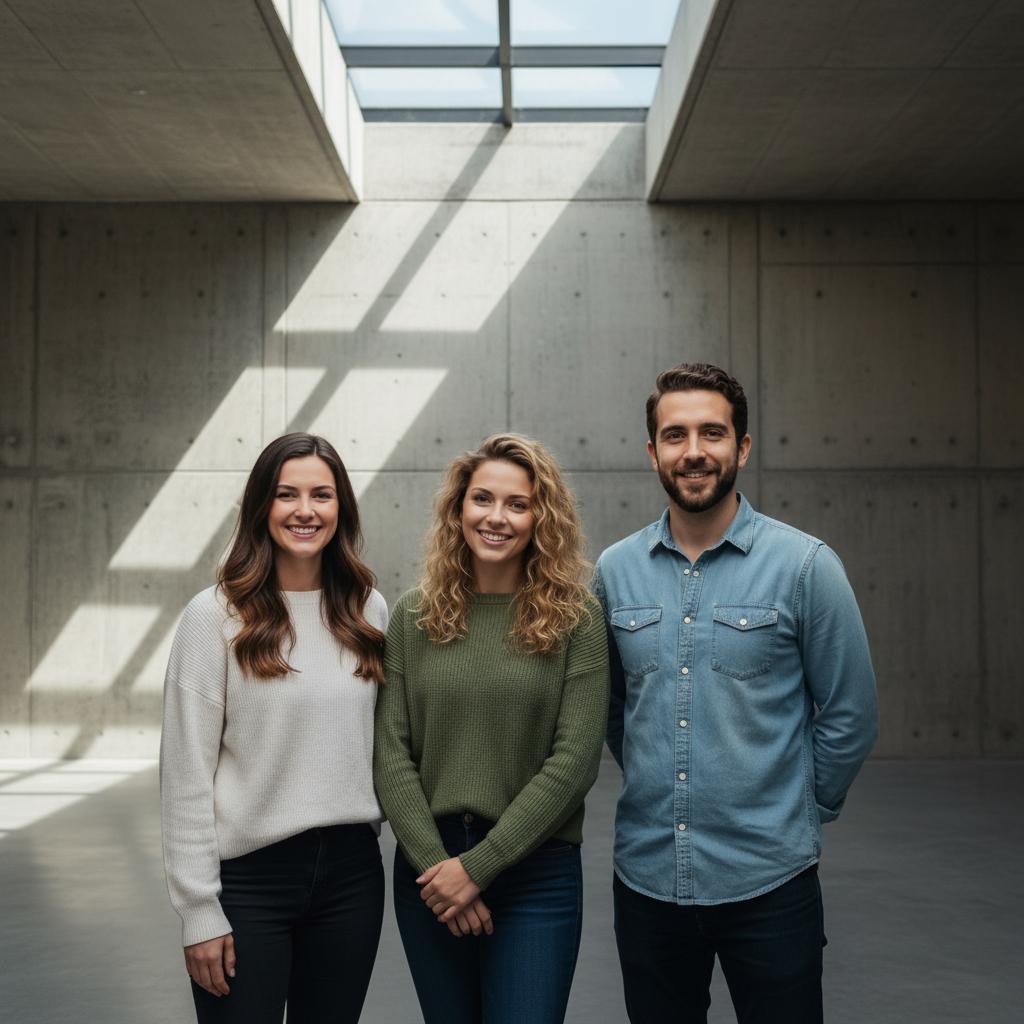
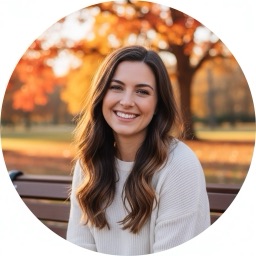
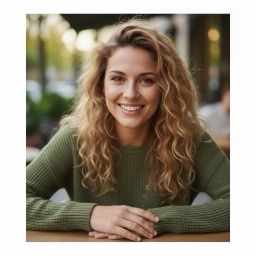
Need a group photo with friends who are not all in the same place? Start with one clear portrait per person, choose the setting, and let TogetherLens compose everyone into a new shared scene.

Let the setting lead
Clean lines and soft daylight give a group room without visual clutter.
↗
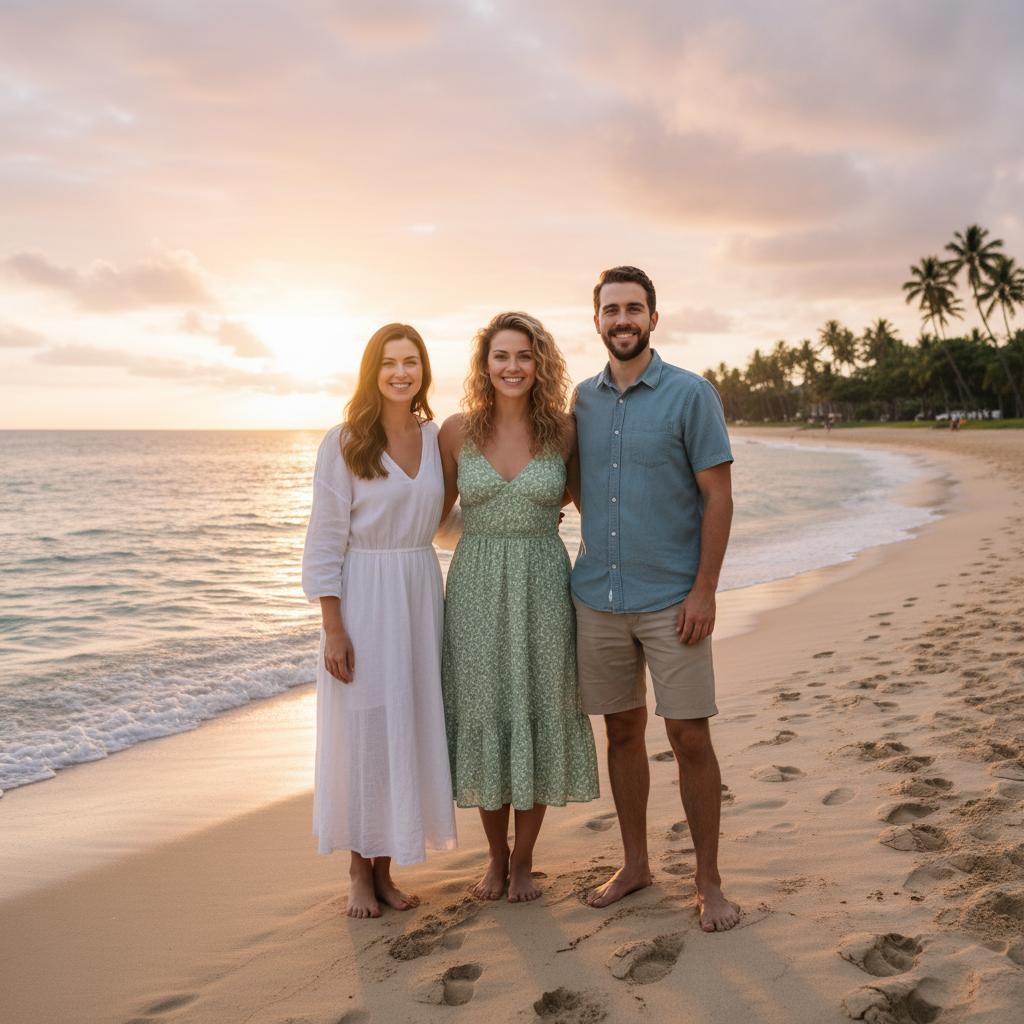
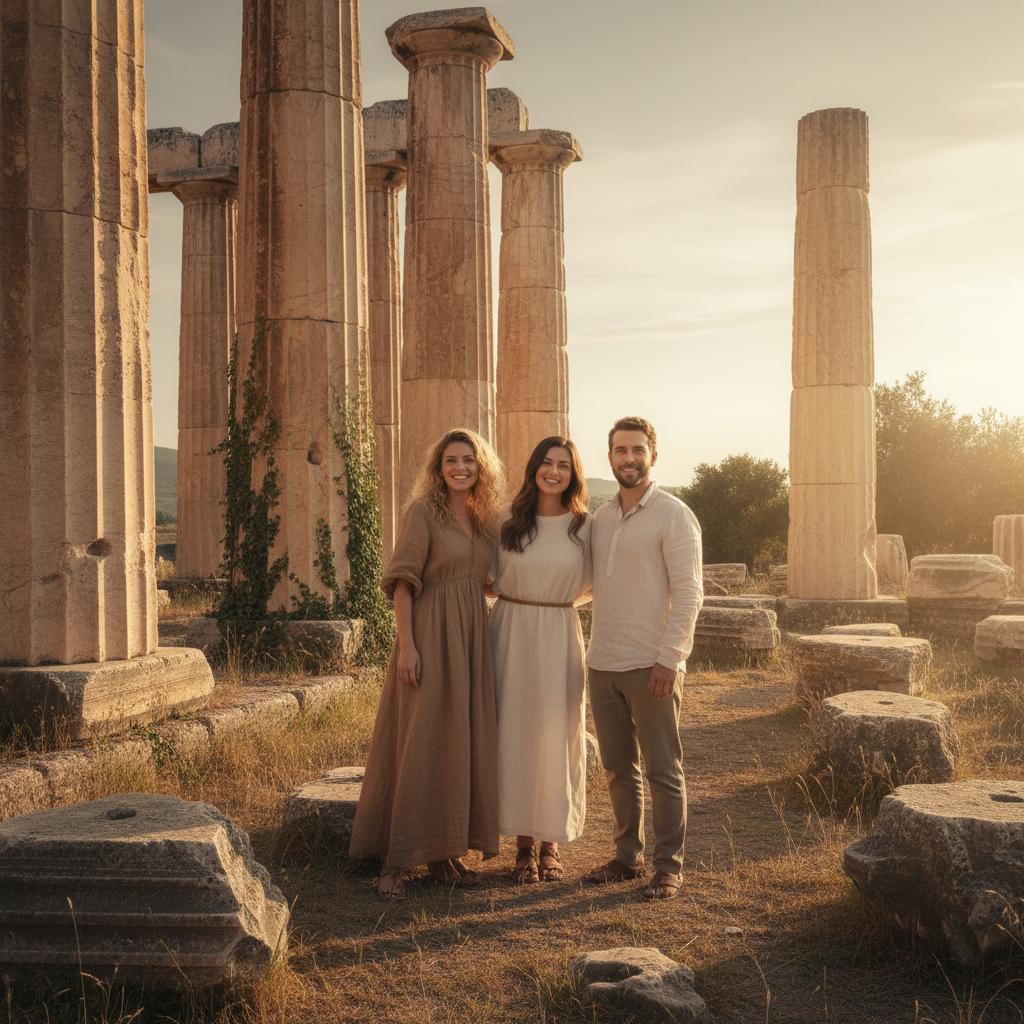
A bold travel backdrop turns three separate portraits into one story.
↗
Open space and warm light keep a casual group easy to read.
↗
A simple line-up feels cinematic when the setting carries the drama.
↗
An everyday place makes the picture feel personal rather than staged.
↗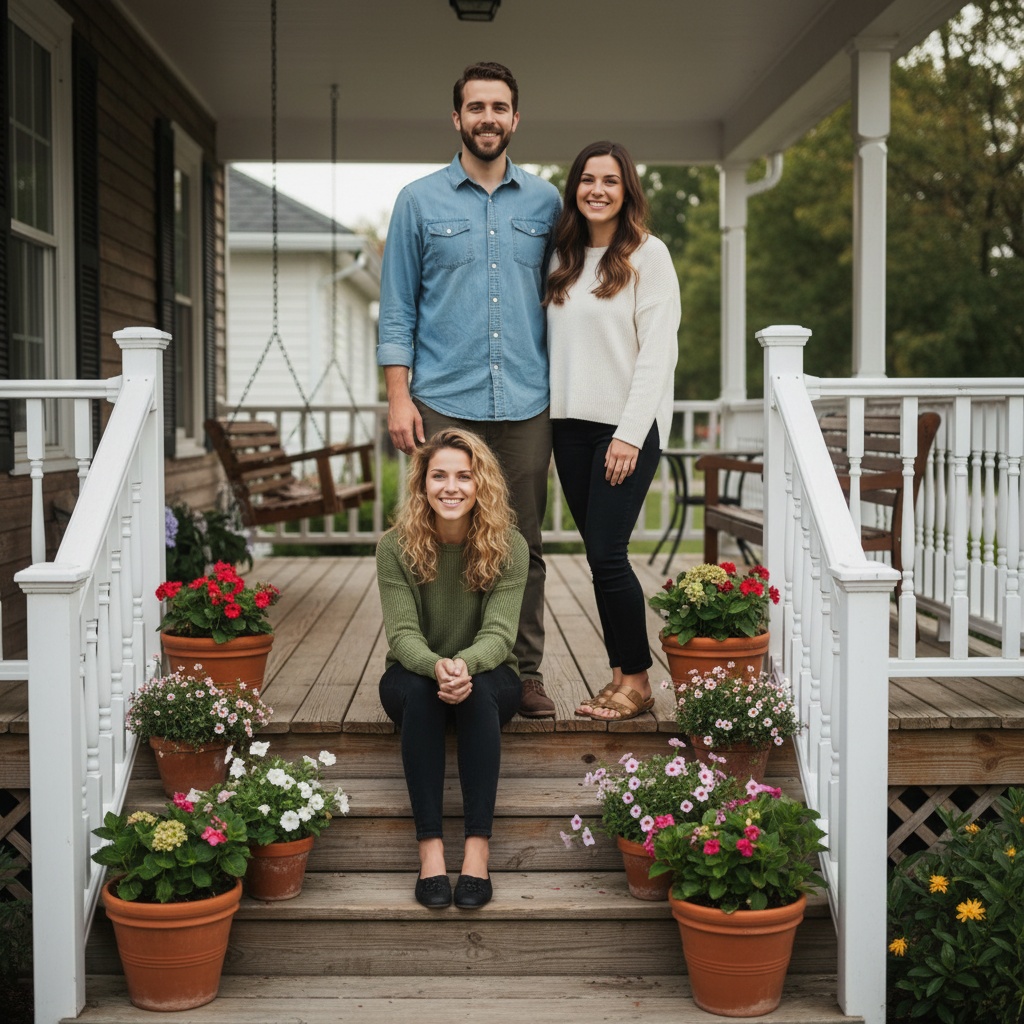
Warm, grounded, and easy to imagine as a framed print.
↗Decide faster
Museum atrium or golden-hour ruins
Petra adventure or beach sunset
Driveway send-off or front porch
Six that work
Steps let a group spread across levels so every face stays visible. Tallest at the outer edges, guest of honour in the centre.
Skip the line up. Put everyone close, let them talk for ten seconds, and shoot from just below eye level.
Movement hides awkward hands and stops a large group looking like a queue. Shoot from the side rather than head on.
After sunset the buildings light the group for free. Keep the brightest signage behind the group, never behind the camera.
For a group spread across cities, one clear portrait each is enough to build one shared picture, with permission from everyone.
One row walking forward, camera low and slightly ahead. It works for teams, wedding parties and graduations alike.
TogetherLens Vibe Finder
Help every face work
Use one clear, recent portrait per person. The source photos can come from different days and places; visible facial detail matters most.
Make a group photo with friends from separate selfies → Watch the visual source-photo guide →Good to know
No. Use one clear portrait per person. The source backgrounds and dates do not need to match.
No. TogetherLens composes a new scene. Clear faces and compatible expression energy matter more than matching poses.
Yes. After a result, you can keep the same group and choose a different scene.
The app is free to install. Premium includes full-quality results and more scenes; your app store shows current price and renewal terms before purchase.
Separate portraits. One shared story.